Photo carousels, composed on your phone.
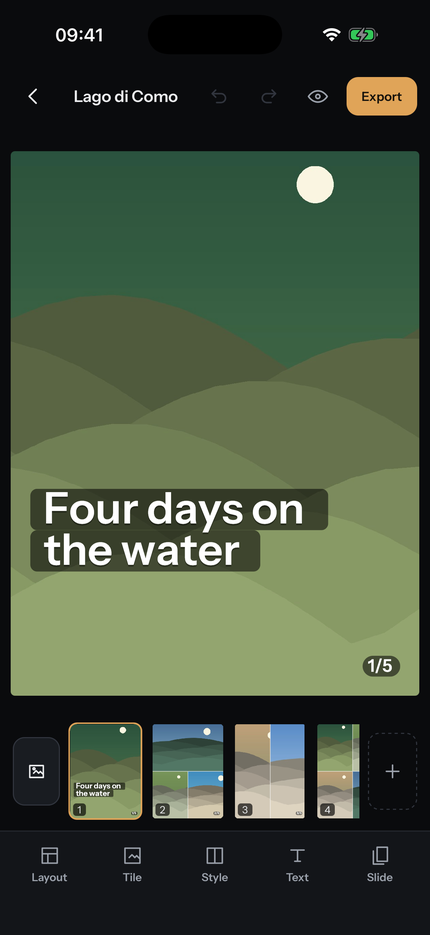
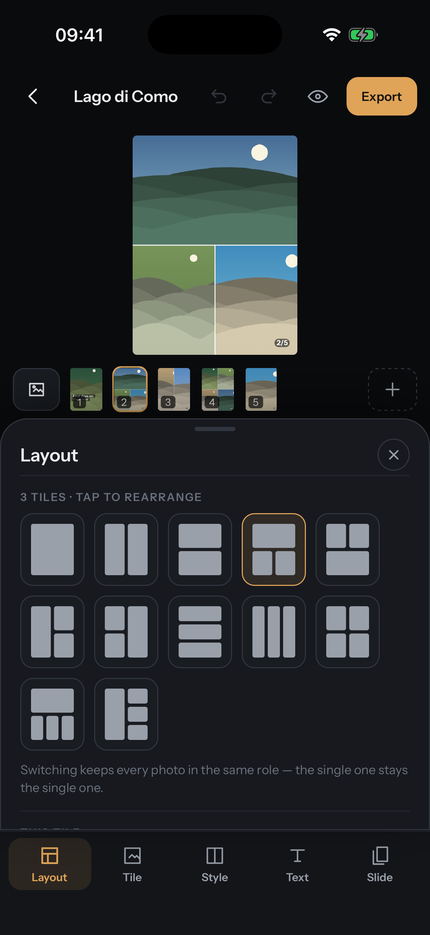
Swipeable builds multi-photo posts before you upload them: choose a layout for each slide, crop every photo inside its own tile, add text and video, and export the whole carousel in order.
- A post is a run of slides, and every slide can hold more than one photo. Twelve layouts, or split and remove tiles to make your own.
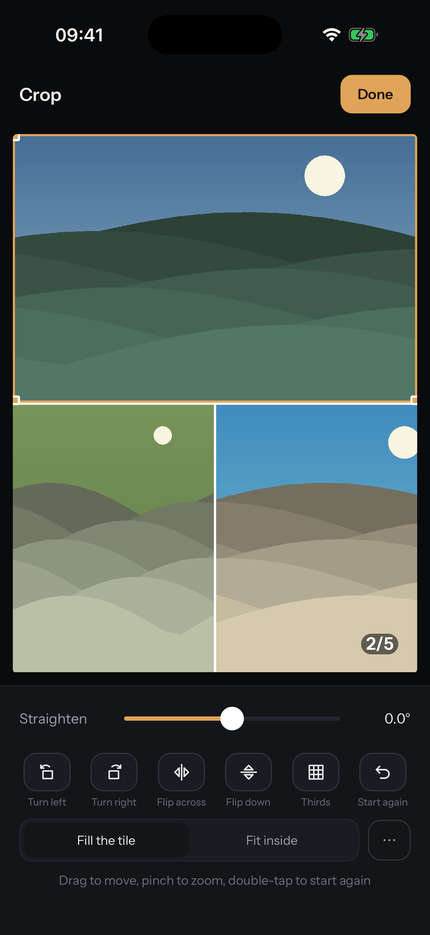
- Crop with your hands. Drag to move, pinch to zoom, straighten by half a degree, turn and flip — each photo inside its own tile.
- Text that stays where you put it, anchored to a tile so it follows when the layout changes. Colours taken out of the photograph itself.
- See it before you post it. As a feed, and as the 3:4 crop a profile grid applies — which is where a tall post quietly loses its edges.
- Split a panorama across several slides, so one wide photo reads as one image when someone swipes.
- Export in carousel order, numbered, straight to your camera roll, with the caption on your clipboard.
Everything stays on this phone
There is no account, no upload and no server. Composing, previewing and exporting all happen on the device. Nothing is collected, measured or sent anywhere — see the privacy page for the detail.
What it costs
The app is free, with no limit on posts and no watermark. Slides that contain video export as video, and that is what Swipeable Pro unlocks — a one-off purchase, not a subscription. Clips can be added, trimmed and watched for free; you are asked only at export.
Swipeable is not affiliated with, endorsed by, or connected to Instagram or Meta Platforms, Inc.